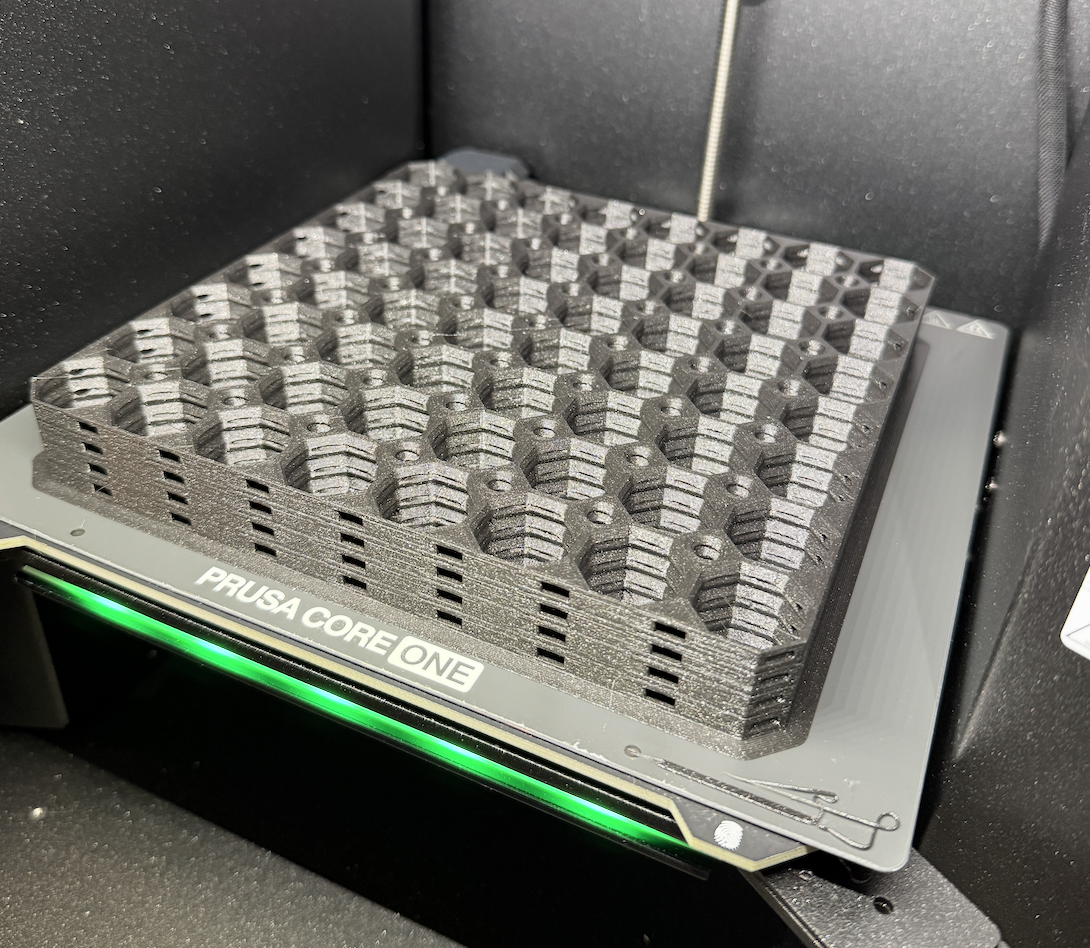
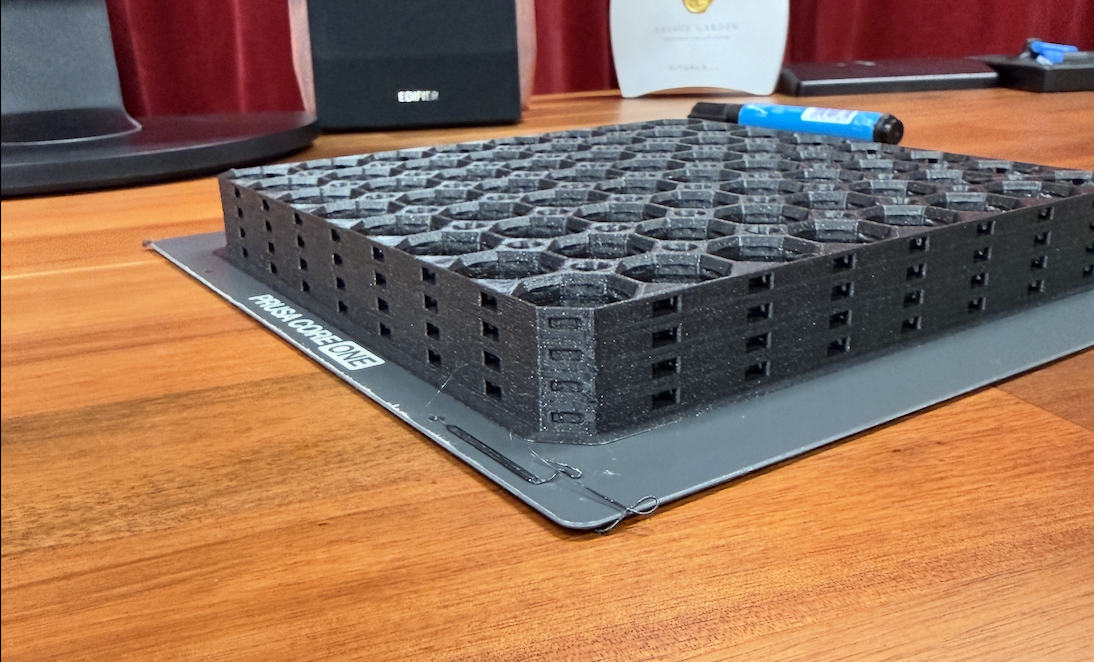
How to fix Warping with Stack Printing on Prusa Core One+
I’m a complete beginner at 3D printing and was running into issues when printing stacks of 8×8 multiboard tiles.
After 6 warped runs I finally managed to successfully print a stack and I’ll share the settings that worked for me here.
Printer: Prusa Core One+
Sheet: Core ONE Smooth PEI Print Sheet (the one that’s included when you buy an assembled core one+)
Filament: Prusament PLA Galaxy Black
Here’s a photo of one of the failed runs:
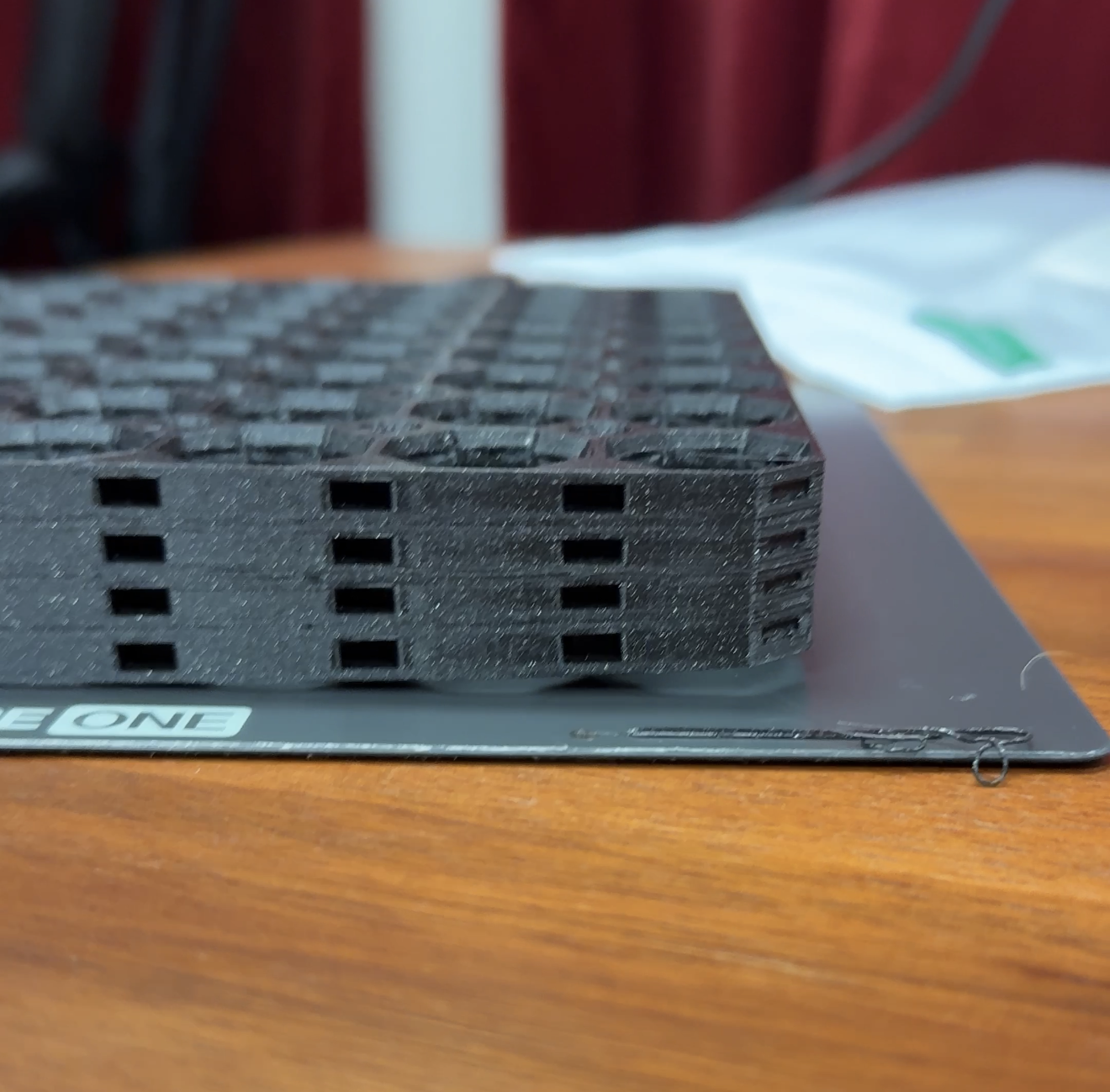
The bottom right corner of the plate came loose, this one is the closest to the door. A friend of mine mentioned similar issues with other prints caused by a slight draft of the Core One+ door.
This caused the corner of some of these tiles to be compressed. They can still be used but of course I wanted to fix this problem.
At first I was making rookie mistakes like not cleaning my sheet. Now I clean it with a cloth and isopropyl alcohol after every print.
After more experimentation with settings I ended up with the following working settings.
First of all use the recommended settings by multboard:
Perimeters: 3
15% infill
Disable supports
Ironing: enabled
Type: Only top surfaces
Next I added the following settings:
Turn off “elephant foot compensation”
Enable brim
Bed temperature - first layer: 65 C
Bed temperature - other layers: 63 C
With these settings, my stack came out perfectly! See the image below.
I was a bit afraid I was never going to get it right, but with some tinkering and a friend pointing me in the right direction, I managed to fix it.
I hope this will help someone, drop a comment if it did!
Thank you for all the great work on this project, I’m absolutely loving it and it’s a great way to learn this new hobby of 3D printing.
Best of luck,
Mischa van den Burg